
UAT Sandbox
The UAT Sandbox allows you to simulate end to end payment flows and test your integration thoroughly. It uses templates that map APIs to predefined sample responses, enabling you to simulate various scenarios such as payment Success, Failure, and Pending without real transactions.
Benefits of using the UAT Sandbox
- Even if the PhonePe UAT server is unavailable, the UAT Sandbox ensures a smooth testing experience. You can continue validating payment flows without disruptions.
- Simulate various payment outcomes such as success, failure, and pending states. This helps ensure your integration handles all real-world scenarios reliably.
- Thoroughly test the entire payment lifecycle from initiation to response. This ensures a stable and seamless experience when you move to production.
Android/iOS Test App
To test settlement flows in UAT, download and install the PhonePe Test App:
- Android: [Download here] (Package Name:
com.phonepe.simulator) - iOS: Share your email ID with the PhonePe Integration Team on the integration thread. You will receive an invite via Firebase.
⚠️ Allow Developer Access to Proceed!
If you see “Untrusted Enterprise Developer”, follow these steps to trust the developer and continue with the installation.
Follow these steps to proceed with installation:

- Go to Settings > General > VPN & Device Management.
- Tap on the Developer App.
- Select Trust [Developer].
- Confirm by selecting Trust again.
Test App Setup
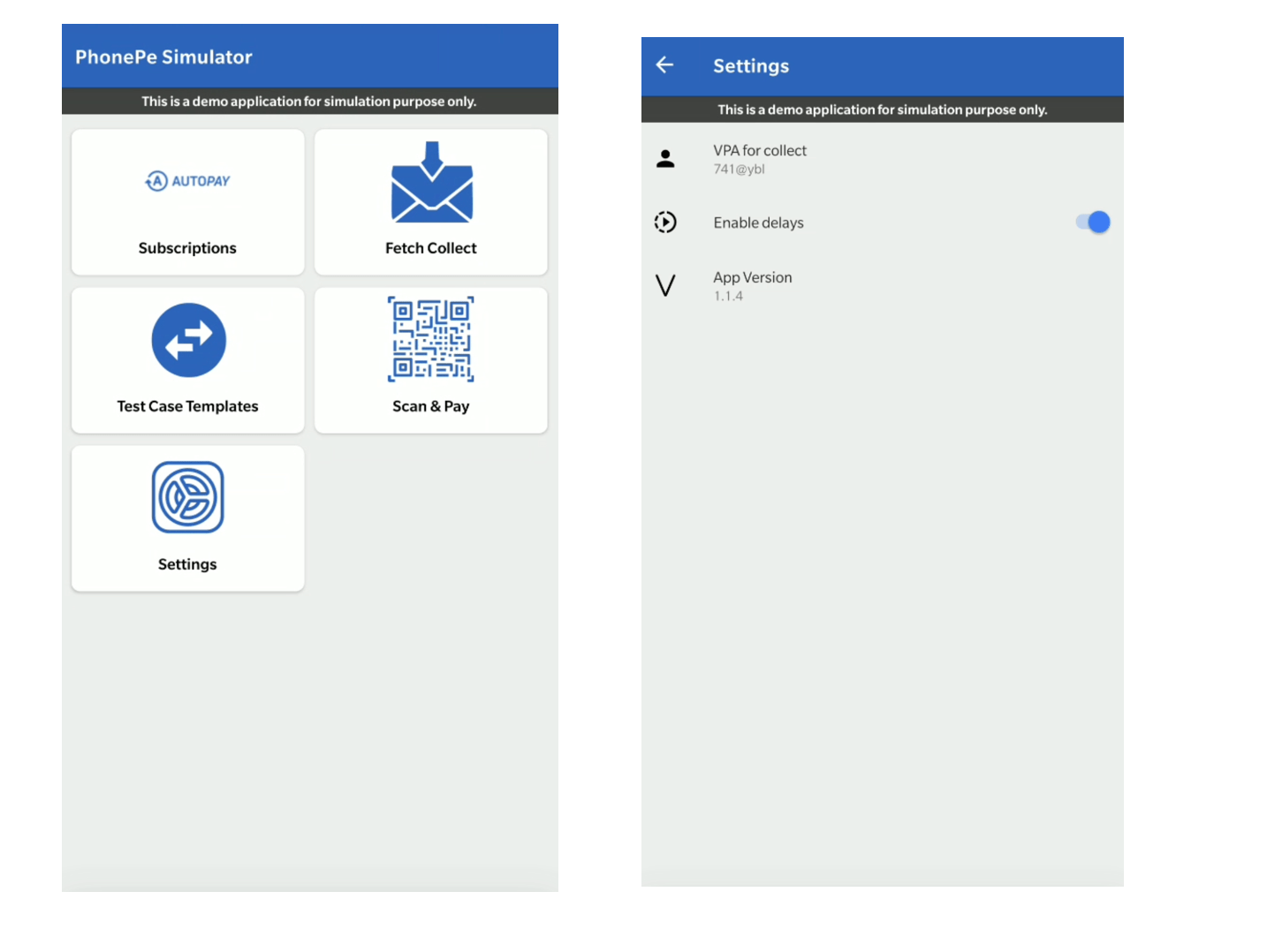
Click on “Test Case Templates” within the PhonePe Test App to configure the required templates and simulate the corresponding API responses.
Configure Template
To configure a template for settlement testing:
- Open the PhonePe Test App and tap “Test Case Templates.”
- Enter your Merchant ID and click “GET CONFIGURED TEMPLATES.”
- If templates are already set, they will be displayed.
- If not, you will see “No Template Configured.”
- For PG integrations, use the Flow: settlement to set templates for different settlement states: Initiated, Processed, or Attempt Failed.
Ensure the appropriate templates are configured to test the respective settlement API flows.
Steps to Configure Template
Make sure to set the correct templates for the settlement-related Webhooks in the PhonePe Test App.
Templates Configuration
Flow: PG – QR Templates
- For Initiated: Select “Setup Settlement State as Initiated”
- For Processed: Select “Setup Settlement State as processed”
- For Attempt Failed: Select “Setup Settlement State as attempt failed”
Testing Settlement Webhooks in UAT
To test if the webhook is triggered correctly in the UAT environment, you can use the following API. Ensure:
- The event is configured for your UAT MID.
- The correct template is set in the Test App.
curl --location --request POST 'https://api-preprod.phonepe.com/apis/pg-sandbox/settlements/v1/{settlementId}/webhook' \
--header 'Content-Type: application/json' \
--header 'Authorization: O-Bearer <ACCESS_TOKEN>'
By following the steps above, you can effectively test and validate settlement flows using the PhonePe Test App in UAT. Ensure the correct templates are configured, and use the webhook trigger to simulate different settlement states. This helps verify integration readiness before moving to production.


