
Homepage
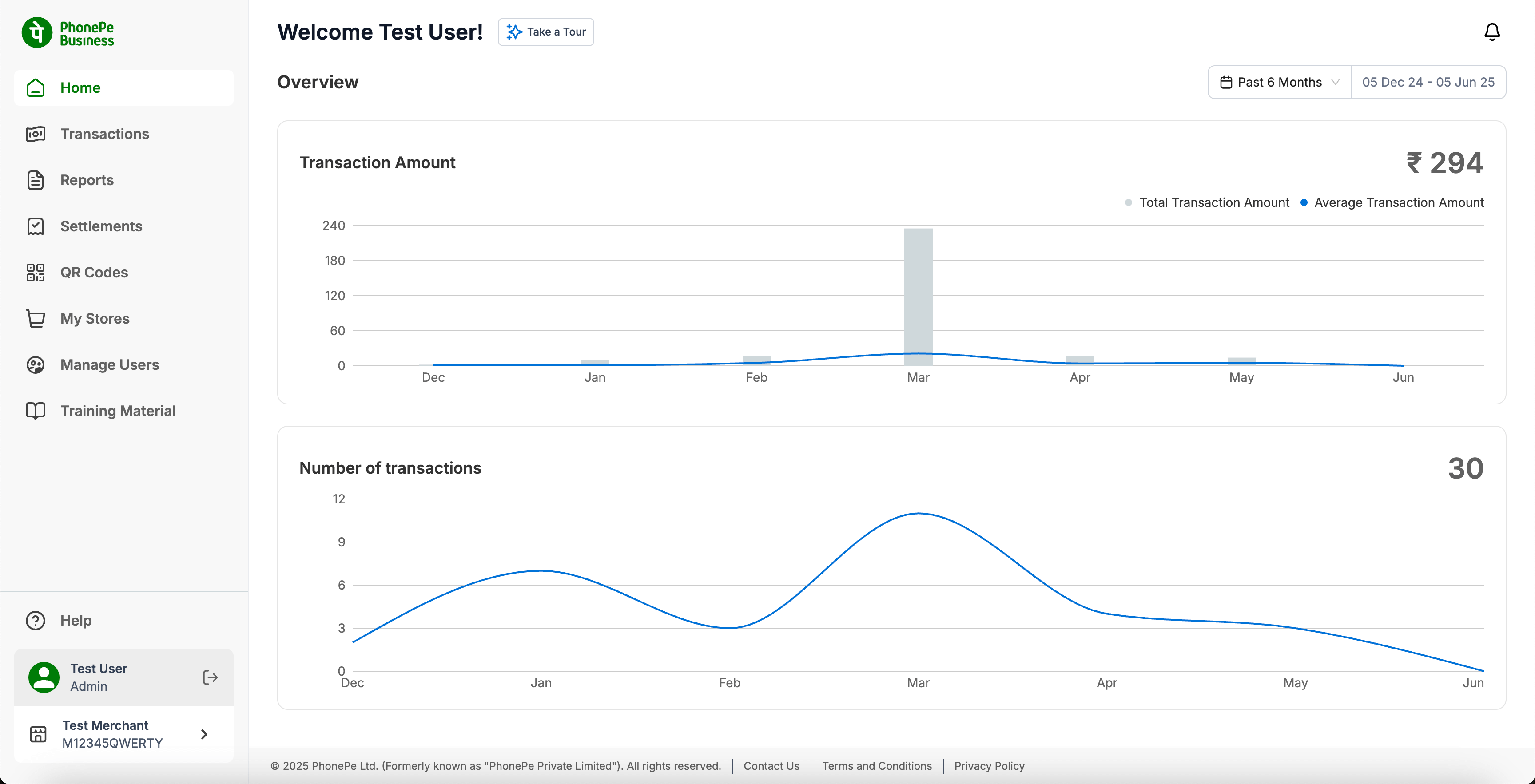
The Home is the default screen that opens when you log into PhonePe for Business Dashboard. It provides the summary of Total Transaction Amount, Average Transaction Amount and Number of transactions during a specific time period.
You can also refine the search using the date filter option by either customizing the date or by selecting the options provided i.e Past 6 months, This month, This week and today.
In case of multiple Merchant ID you will be able to select individual/multiple or all Merchant ID’s for which you want to see the business trend.
Merchant Id Selection


