
Register & Login
Register Page
This page is designed to facilitate the registration process for businesses looking to integrate PhonePe Payment Gateway into their operations. It enables businesses to accept payments from customers through various online and offline channels.
Key Elements and Features:
- Payment Acceptance Options: The platform provides options for businesses to accept payments through various channels, specifically:
- Where do you want to accept payments? On Website/App/Social Media or In Store/Shop.
- Which product best fits your business needs? Payment Gateway and Payment Links
- Registration Form:
- Email ID – Input field for business email.
- Phone Number – Input field for business phone number with verification.
- PROCEED – Call to action button to submit the form.
- Terms and Conditions:
- By signing up you agree to our T&C – Ensures users are aware of legal agreements.

Login Page
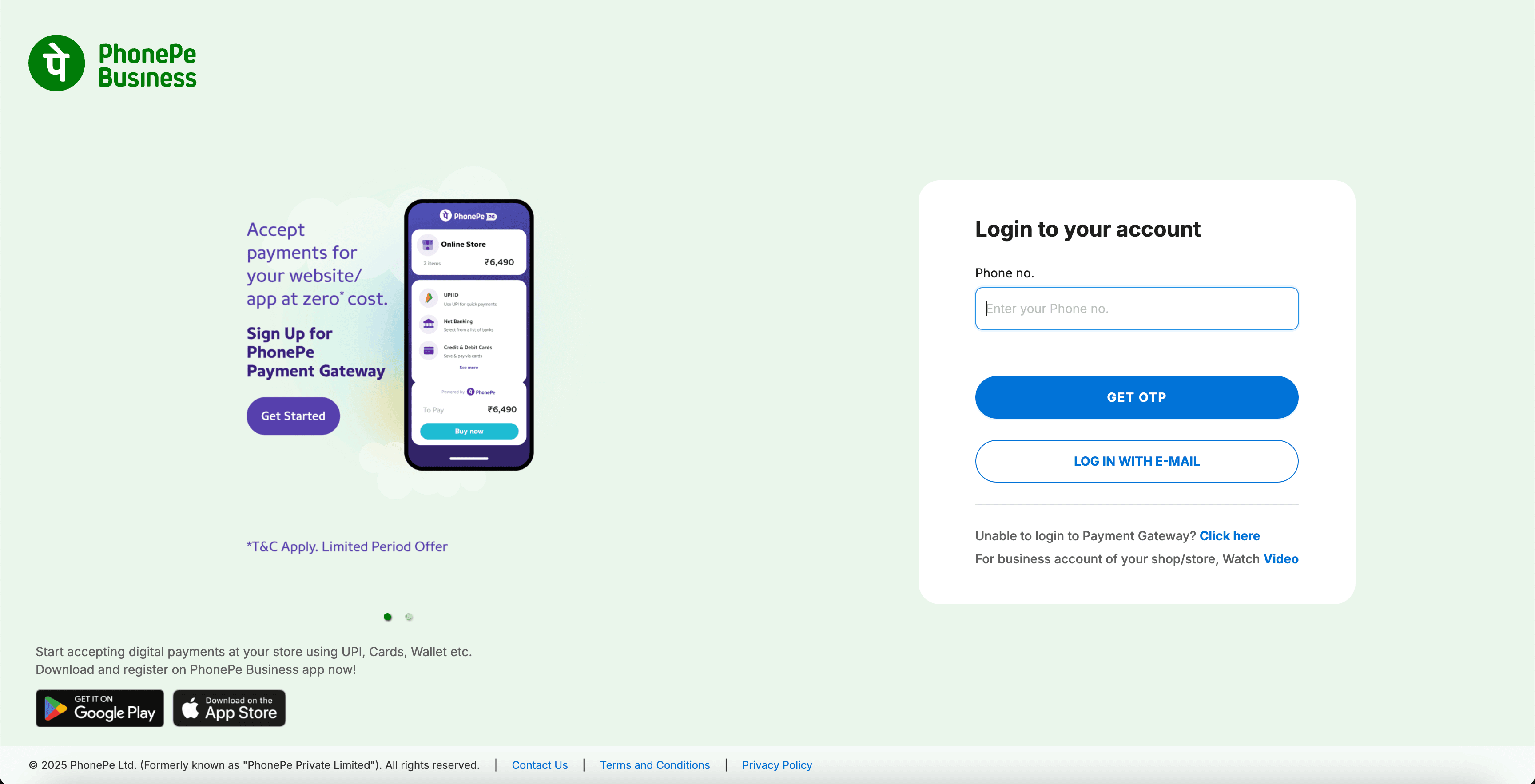
This page is designed to allow businesses to log in to their PhonePe Business accounts. This enables them to manage their payment acceptance and related activities.
Login Methods:
- Phone No. – Login method for the business’s phone number using One-Time Password verification.
- E-MAIL – You can also login using your business’s Email & Password.
For Email Login:
Check your registered mail ID for a mail from the “PhonePe team email id [email protected]” with the subject line: “PhonePe dashboard access – ”. This mail will contain a link to go to login page.
For Phone Number Login:
Check your registered phone number for a sms from the PhonePe team. This sms will contain a link to go to login page.


